

Best Food Tracking Apps With Pictures: 5 Picks for Women
Compare five food tracking apps with pictures—from quick visual journals to detailed nutrition trackers—and find the logging style that fits your life.
Shelog Editorial
Reviewed for clarity and care
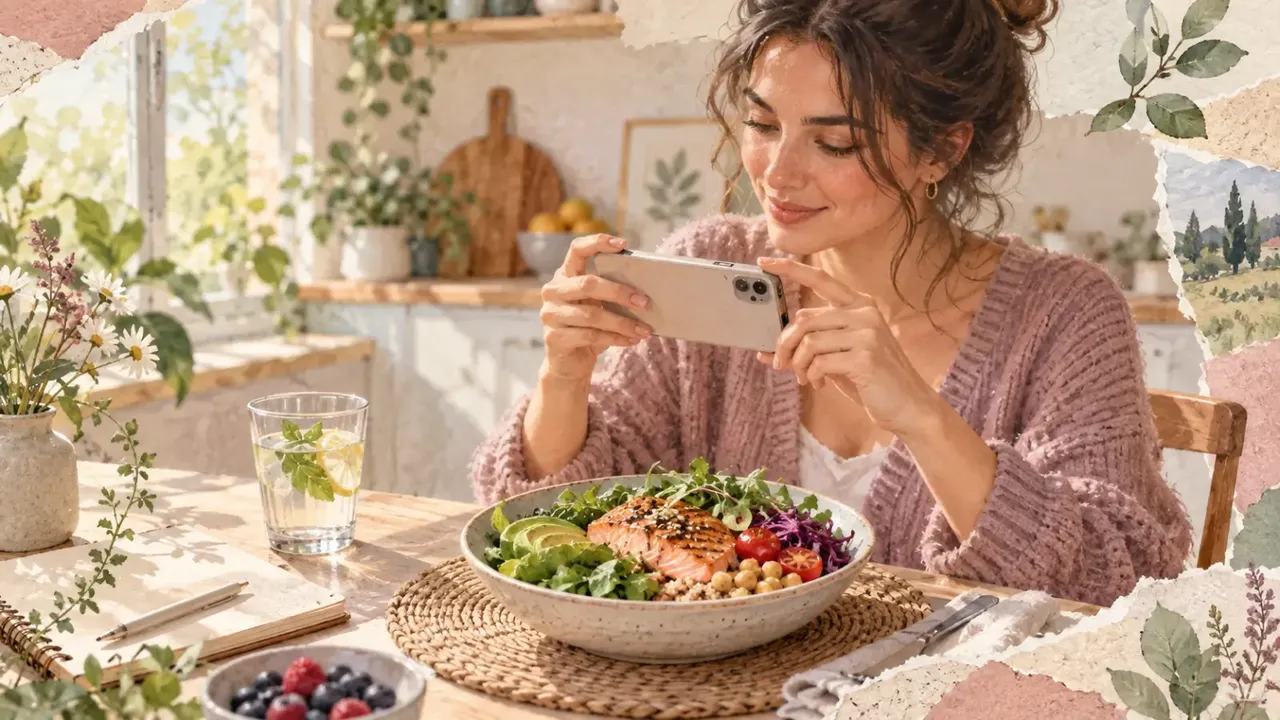
You take a photo of lunch because logging every ingredient sounds like a task for a quieter version of your life. Later, the photo is still there—somewhere between a screenshot and a picture of your friend's dog—and the meal never makes it into your record.
A food tracking app with pictures can close that gap. But the best choice depends on what you want the picture to do. Some apps turn it into estimated calories and nutrients. Others keep it as a visual diary so you can notice patterns without giving every forkful a number.
Quick picks
- Best for seeing the whole day: Shelog
- Best for detailed nutrients: Cronometer
- Best for a large, familiar tracking system: MyFitnessPal
- Best for gentle, photo-first reflection: AteMate
- Best for photo analysis plus guided content: Foodvisor
There is no honest “best for everyone.” The useful question is which app asks for the kind of attention you can realistically give it—and whether you will still want to use it on a busy Wednesday.
1. Shelog: best for connecting meals with the rest of your day

Imagine two nearly identical breakfasts. After one, you felt steady through a busy morning. After the other, you were tired, thirsty, and ravenous by noon. The plate alone does not explain the difference; the day around it may offer useful clues.
Shelog lets you log a meal from a photo, search for a food, or describe what you ate. Food sits in the same diary as mood, workouts, water, and weight, so the record feels less like a spreadsheet and more like the story of your day.
It is a good match if you care about patterns across meals and everyday life—not only a calorie total. It is not designed as a clinical micronutrient-analysis tool. Because this is Shelog's own guide, we are not naming it “best overall.” Its clearest advantage is specific: keeping food, feelings, movement, hydration, and weight close enough to make their connections easier to notice.
2. Cronometer: best for nutrition detail
If your idea of a helpful food log includes more than calories and protein, Cronometer is the numbers-forward option. Its Photo Log can suggest likely ingredients and servings, which you review before adding them to your diary. Cronometer also emphasizes verified or laboratory-analyzed food data and broad micronutrient coverage.
This suits someone who genuinely enjoys detail. If a screen full of targets makes you want to close the app before dinner, its biggest strength may feel like work. As of this review, AI Photo-Logging is part of the paid Gold plan.
3. MyFitnessPal: best for a large, familiar tracking system
MyFitnessPal appeals through breadth: a large searchable database, saved meals and recipes, exercise logging, and device connections. Meal Scan suggests database foods from a camera image; you confirm the matches and change serving sizes before saving them.
It makes sense if you want photo logging inside an established calorie-and-macro system. It is less suitable if you want a quiet visual diary or need the photo feature to be free. Meal Scan currently requires Premium, English, and a supported device; uploading an existing photo has additional iOS and U.S. limitations. Check its current help page before subscribing, since availability can change.
4. AteMate: best for reflection without turning every meal into math
Some people want the photograph to remain a photograph. AteMate is built around that gentler idea: capture meals, add reflections about mood, sleep, movement, or hydration, and look back at a visual timeline. Calories and macros are optional rather than the center of the experience.
Choose it if you want to notice when, what, and how you eat without organizing the day around a calorie budget. Look elsewhere if you need precise nutrient totals or detailed macro planning. AteMate leads with reflective food journaling; Shelog places a similar visual record inside a wider health diary.
5. Foodvisor: best for photo analysis with guided extras
Foodvisor combines a traditional food diary with Premium photo analysis, courses, recipes, customizable goals, and daily summaries. It may appeal if you want an estimator and structured guidance in one place; the free version focuses on manual logging.
Foodvisor shows prices in local currency, so cost can vary by location and offer. And however polished the result looks, it remains an estimate based on what the image system recognizes and the portion information available.
A food photo is useful—and incomplete
A camera may recognize rice, vegetables, and chicken. It cannot reliably see the oil used in the pan, identify every ingredient in a blended soup, or calculate depth from one flat image without assumptions.
Research reviews of AI food-image assessment and image-assisted dietary assessment describe the same practical limits: angle, distance, hidden ingredients, preparation methods, and portion size can all affect the result. User review still matters.
That does not make photo logging pointless. It changes the job description.
- For a visual memory, one photo may be enough.
- For a calorie or macro estimate, check the suggested foods and portions.
- For a mixed homemade dish, add ingredients when accuracy matters.
- For a packaged food, the barcode or Nutrition Facts label may be more useful than a photo.
- For medical decisions, follow the method recommended by your clinician or registered dietitian.
The best photo tracker is not the one that makes the most confident guess. It is the one that makes uncertainty easy to see and correction easy to do.
How to choose without downloading five apps forever
Give each promising app the same three-meal audition: a simple breakfast, a mixed homemade meal, and takeout. Notice whether you can correct a food, change a serving, add a sauce, and save a repeat meal without a small administrative crisis. A scan that needs six edits is not truly effortless.
Also decide how many numbers you want. Detailed nutrients may help with a specific target; a visual record may work better if calorie totals make you avoid journaling. A systematic review led by MD Anderson Cancer Center and USDA/ARS researchers found that both lower- and higher-intensity dietary self-monitoring have been used successfully in behavioral weight-loss interventions, but the evidence did not establish one universally superior intensity. More tracking is not automatically better tracking.
Read the privacy page before adding your life to the diary
Meal photos, weight records, and mood notes can be personal. The U.S. Federal Trade Commission advises comparing what health information an app collects, why it collects it, how it shares it, and which controls it gives you. Do not assume every wellness app is covered by the same privacy rules as your doctor's office.
For each finalist, check whether you can delete your account and data, control photo and health-platform permissions, and understand the privacy notice. This guide has not independently audited the five apps' security practices.
Check how the diary makes you feel
A useful app should make the next decision clearer, not make every meal feel like a grade. If logging leaves you increasingly preoccupied with weight, shape, or controlling food, step back and talk with a qualified health professional. The National Institute of Mental Health notes that an intense fixation on weight, shape, weight loss, or food control can be a sign that more support is needed.
Frequently asked questions
What is the best food tracking app with pictures for weight loss?
Choose according to the type of record you can sustain. Cronometer or MyFitnessPal may suit someone who wants detailed numeric tracking; Shelog or AteMate may suit someone who benefits from a more visual, contextual record. Foodvisor may appeal if guided content matters. An app can support self-monitoring, but it cannot guarantee weight loss.
Can a picture accurately count calories?
It can produce a useful estimate, not a measurement. Accuracy depends on the food, angle, lighting, hidden ingredients, portion estimate, database match, and your corrections. Be cautious with any comparison that claims a precise accuracy percentage without publishing its test method and data.
Pick the diary you will still want on an ordinary Wednesday
The cleverest scan on day one matters less than the record you can live with on day twenty-one. Start with the job you need done: detailed nutrients, quick calorie estimates, a visual memory, or a calmer view of how meals fit into your week.
If you want food photos to sit beside mood, movement, water, and weight—not in a separate corner of your phone—try the Shelog visual health diary.
Sources
- University of Cambridge, MRC and partner researchers: Advancements in Using AI for Dietary Assessment Based on Food Images — how image-based systems work and why portion size, angle, ingredients, and cooking methods remain challenging.
- Pennington Biomedical Research Center and collaborating researchers: Review of the Validity and Feasibility of Image-Assisted Methods for Dietary Assessment — benefits and limits of image-assisted food records and the continuing need for user verification.
- MD Anderson Cancer Center and USDA/ARS Children's Nutrition Research Center: Systematic review of dietary self-monitoring — evidence and uncertainty around lower- and higher-intensity self-monitoring in behavioral weight-loss interventions.
- Federal Trade Commission: Does Your Health App Protect Your Sensitive Info? — questions consumers should ask about health-app collection, sharing, settings, and privacy.
- National Institute of Mental Health: Eating Disorders—What You Need to Know — when fixation on weight, shape, or controlling food may warrant professional support.
- Product details were checked against the current official pages for Shelog, Cronometer Photo-Logging, MyFitnessPal Meal Scan, AteMate, and Foodvisor.
This article is for general education and is not a substitute for personal medical or nutrition advice.
Take Shelog with you
Take Shelog with you
Shelog turns the ideas in this article into a simple daily diary—food, mood, movement, and weight in one calm place.